 SoftBests
HexUnderrated
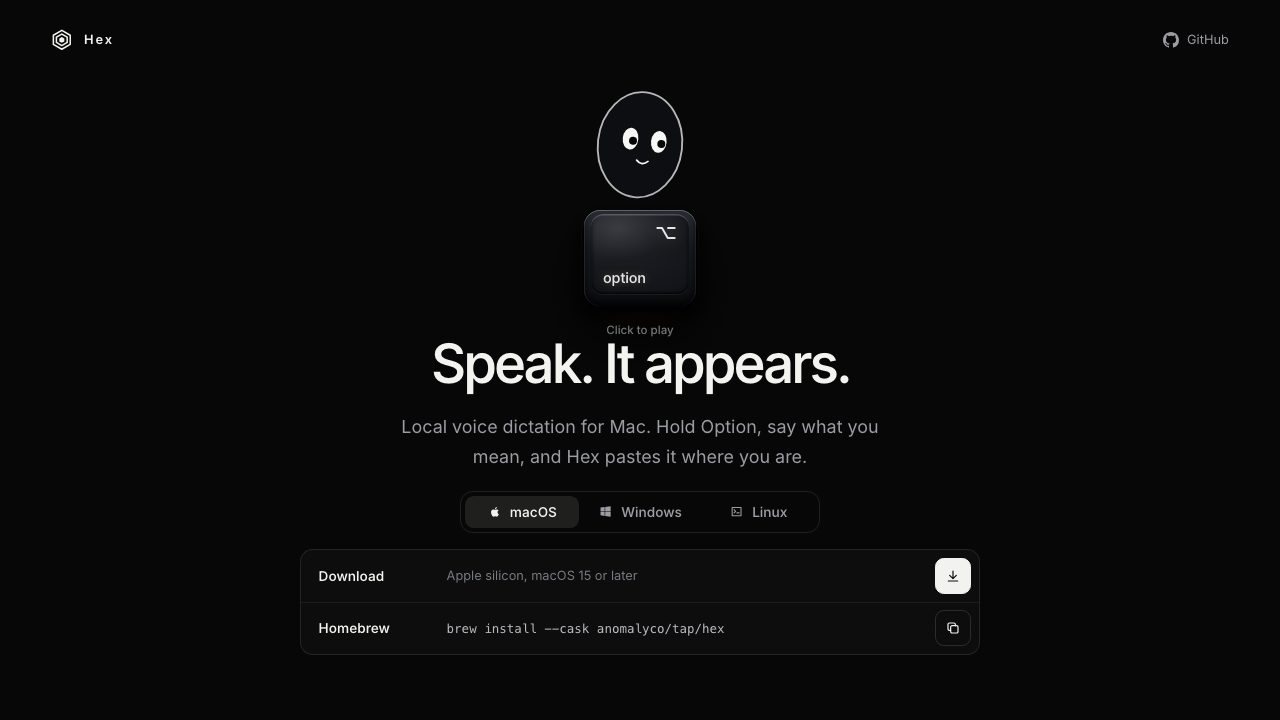
Hold a shortcut, speak, and get local, on-device dictation pasted into any app.
Best for
People who dictate into coding agents, chat, or long documents and want the audio to stay on their computer.
Why it deserves attention
Hex keeps speech recognition on your computer: hold Alt+Space, speak, release, and the transcription lands at the cursor. The first run downloads a model; after that, audio stays local. It runs on Apple silicon Macs with macOS 15 or later, Windows x64 and ARM64, and Linux x64 and ARM64, with a 5,200-star MIT-licensed codebase and a stable 3.3 release. Because it types into any text field, it fits coding agents, chat, and long-form writing without a separate transcription window. The trade-off is that it is dictation only, not a meeting recorder, and Mac support is Apple silicon only.
Ratings & reviews
0 ratings0 people rated this
No ratings yet. Be the first to rate this tool.
Can replace
Related and alternatives
More in Voice input
 Underrated
Arion
On-device voice input for Mac and Windows that types Chinese, English, or both at your cursor.
 Underrated
Aurio
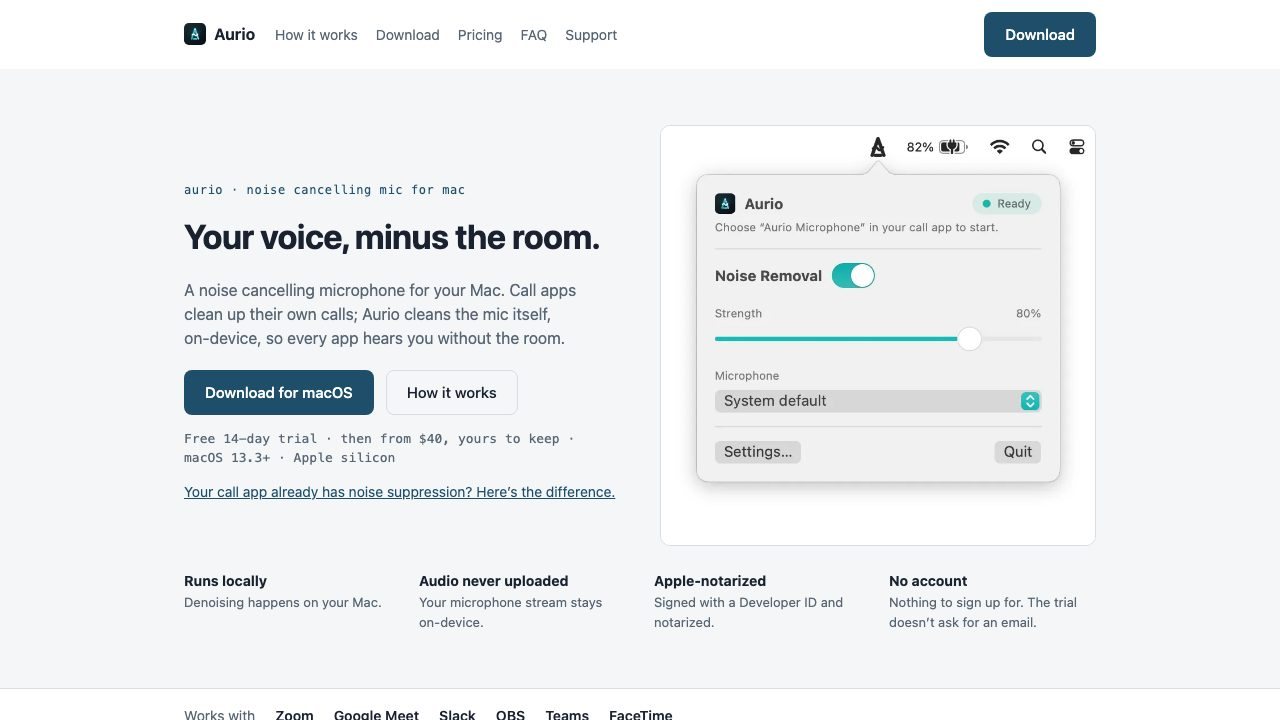
A virtual Mac microphone that removes room noise on-device before any call or recording app hears it.
 Underrated
叭哥说
NetEase's free voice input agent that turns speech into polished text in any app.