 SoftBests
Home / Database clients / Navicat
Navicat alternatives
Compare 4 editor-reviewed alternatives to Navicat by price, platform, and the workflow each one fits.
Start with these
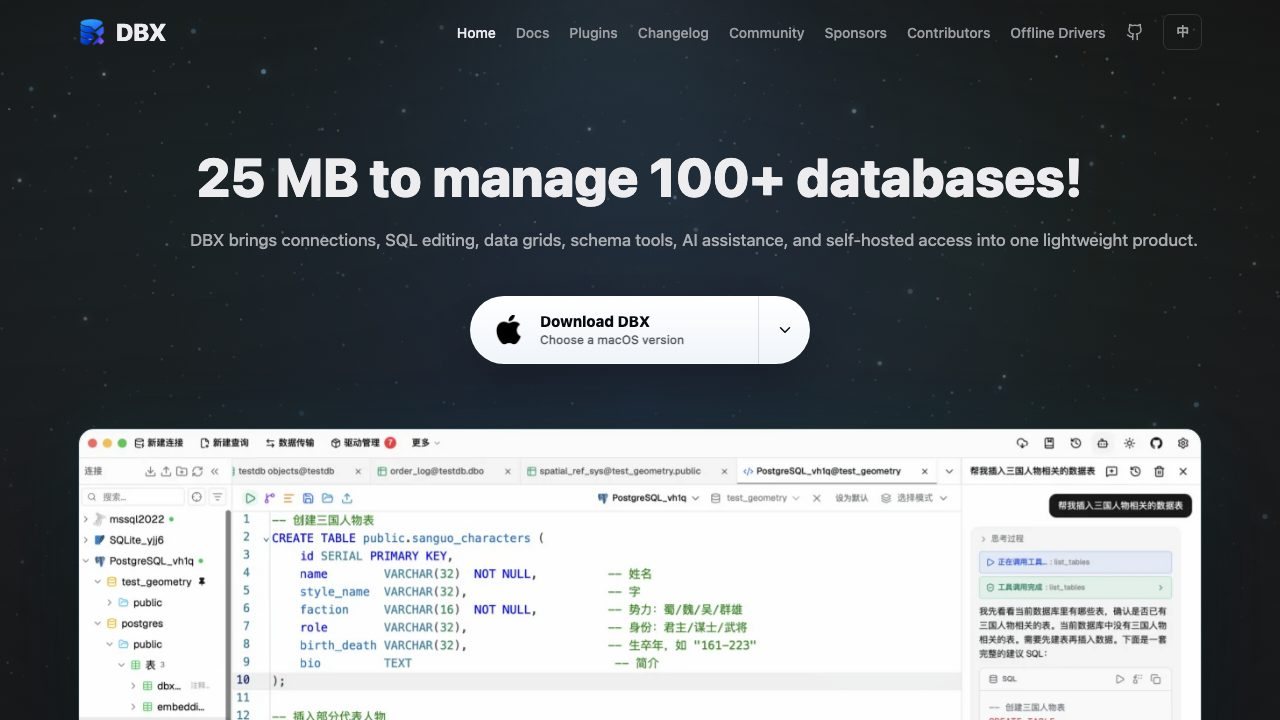 Underrated
DBX
A 25 MB cross-platform database client covering more than 100 engines.
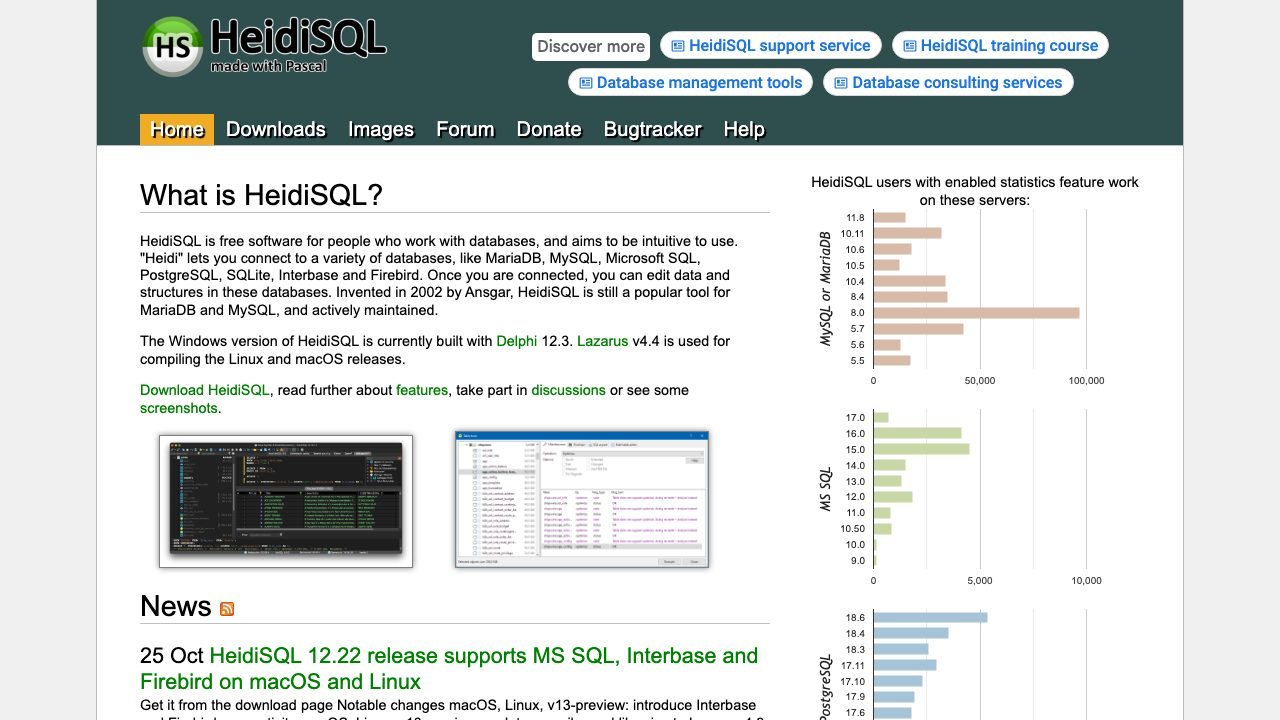 Underrated
HeidiSQL
A free Windows client for MySQL, PostgreSQL, SQL Server, and SQLite.
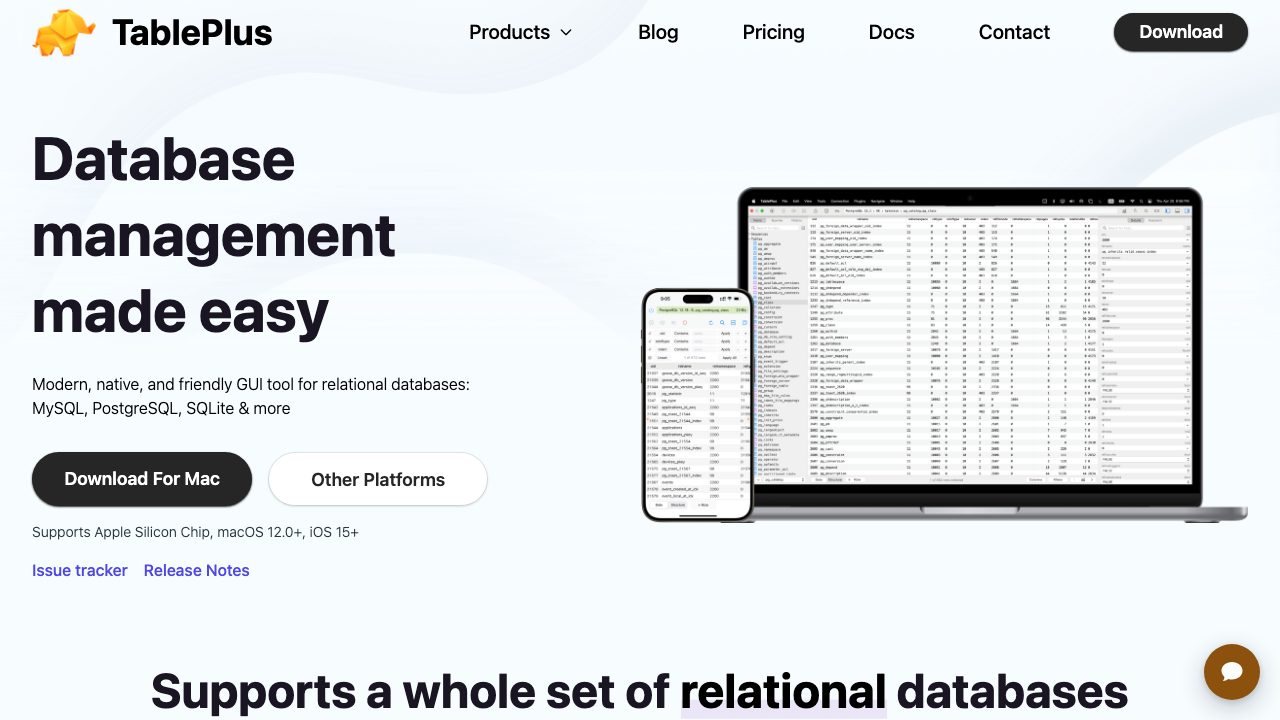
TablePlus
A fast native SQL client for MySQL, Postgres, SQLite, and more, with a clean query editor.
All alternatives
| Tool | Best for | Platforms | Pricing | |
|---|---|---|---|---|
| DBX | Developers who touch many database engines and do not want a heavy Java client. | macOS, Linux, Windows, Self-hosted | Open source | ↗ |
| HeidiSQL | Windows users who want a fast, no-nonsense SQL client without a subscription. | Windows | Open source | ↗ |
| TablePlus | Developers who switch between MySQL, Postgres, and SQLite. | macOS, Linux, Windows | Freemium | ↗ |
| pgAdmin | PostgreSQL users who need every server feature, not just a query editor. | macOS, Linux, Windows, Web | Open source | ↗ |
How to choose
- Start with the platform you actually use. A native Mac editor and a browser IDE solve different problems.
- Match the workflow, not the feature list. If agents write most of your code, pick the tool whose agent loop you can supervise.
- Check the real price after the trial. One-time licenses and subscription tiers age very differently.
When staying with Navicat makes sense
If your main need is DBAs and backend teams who move between several database engines and want one consistent GUI., switching may cost more than it saves. Keep the tool that already fits your extensions, shortcuts, and team setup.
Questions
What is the best alternative to Navicat?
DBX is the closest fit for most people. It is followed by HeidiSQL and TablePlus in this comparison.
Are there free alternatives to Navicat?
Yes. DBX, HeidiSQL, TablePlus, pgAdmin are free or have a usable free tier. Check the limits before you move a working project over.
How do I switch from Navicat?
Install the alternative, import your settings and keybindings, and run one real project before you commit. Keep Navicat installed until the new tool handles your daily workflow.