 SoftBests
Home / Screenshots & recording
OpenScreenUnderrated
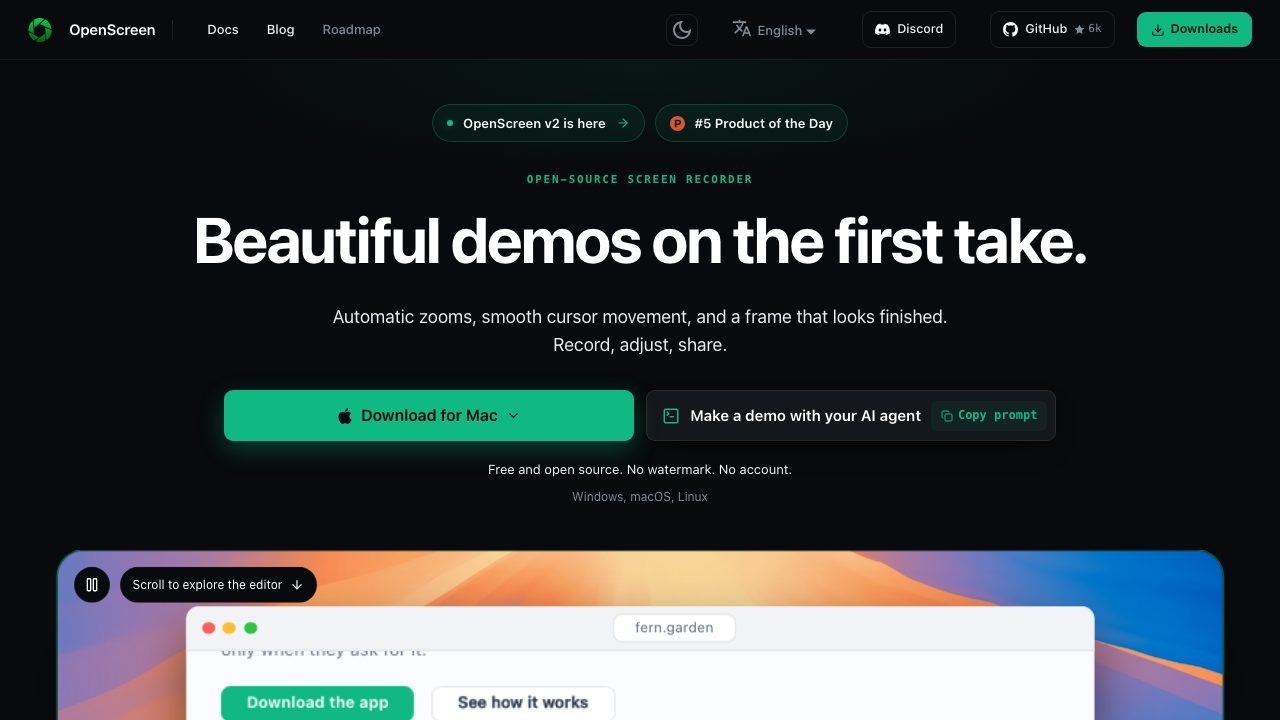
A free screen recorder that zooms and smooths the pointer for polished demos.
Best for
Developers and makers who record product demos or tutorials and do not want watermarks or subscriptions.
Why it deserves attention
OpenScreen records the screen and, after capture, adds zoom moves around clicks and pointer smoothing so the result looks like a edited demo rather than a raw recording. It also handles cursor styling, backgrounds, and exports without watermarks. It is MIT-licensed, free, and runs on macOS, Windows, and Linux, with GPU-accelerated encoding. The trade-off is that it is focused on demo-style recordings: it is not a full video editor, and very long or multi-source productions still need another tool.
Ratings & reviews
0 ratings0 people rated this
No ratings yet. Be the first to rate this tool.
Can replace
Related and alternatives
More in Screenshots & recording
 Underrated
Cap
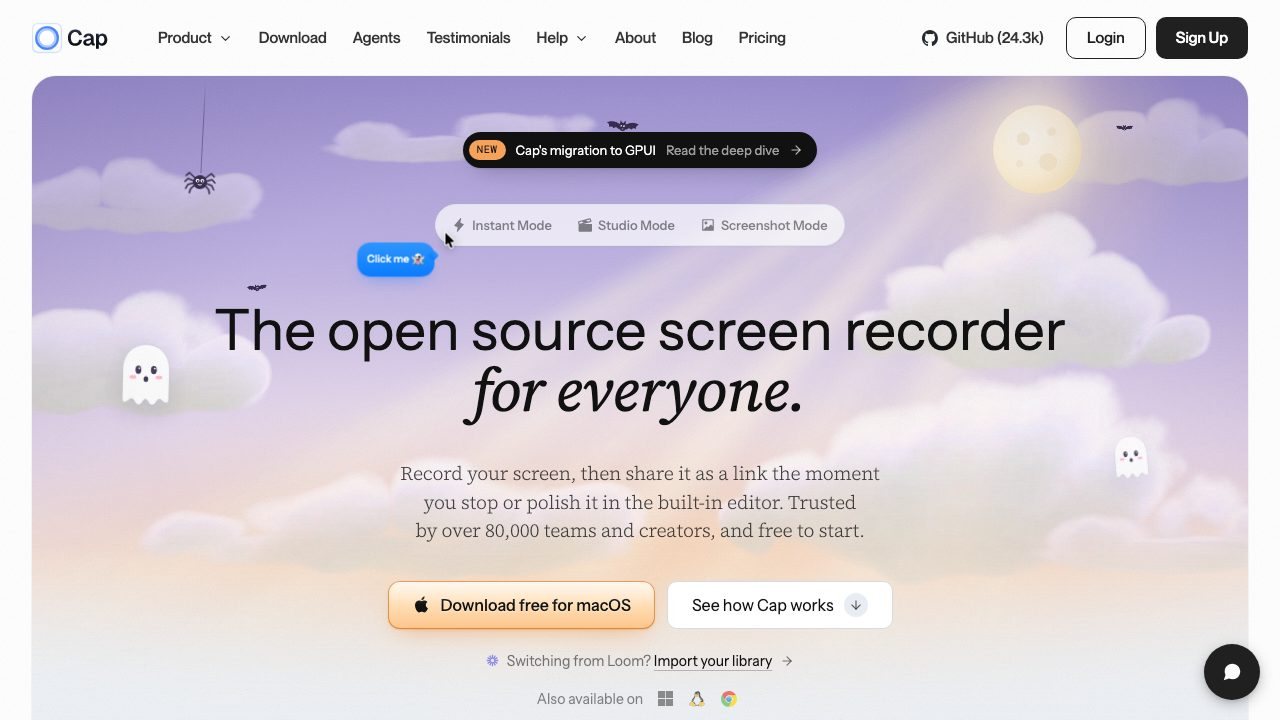
An open-source screen recorder with instant link sharing and a built-in editor.
 Underrated
Jam
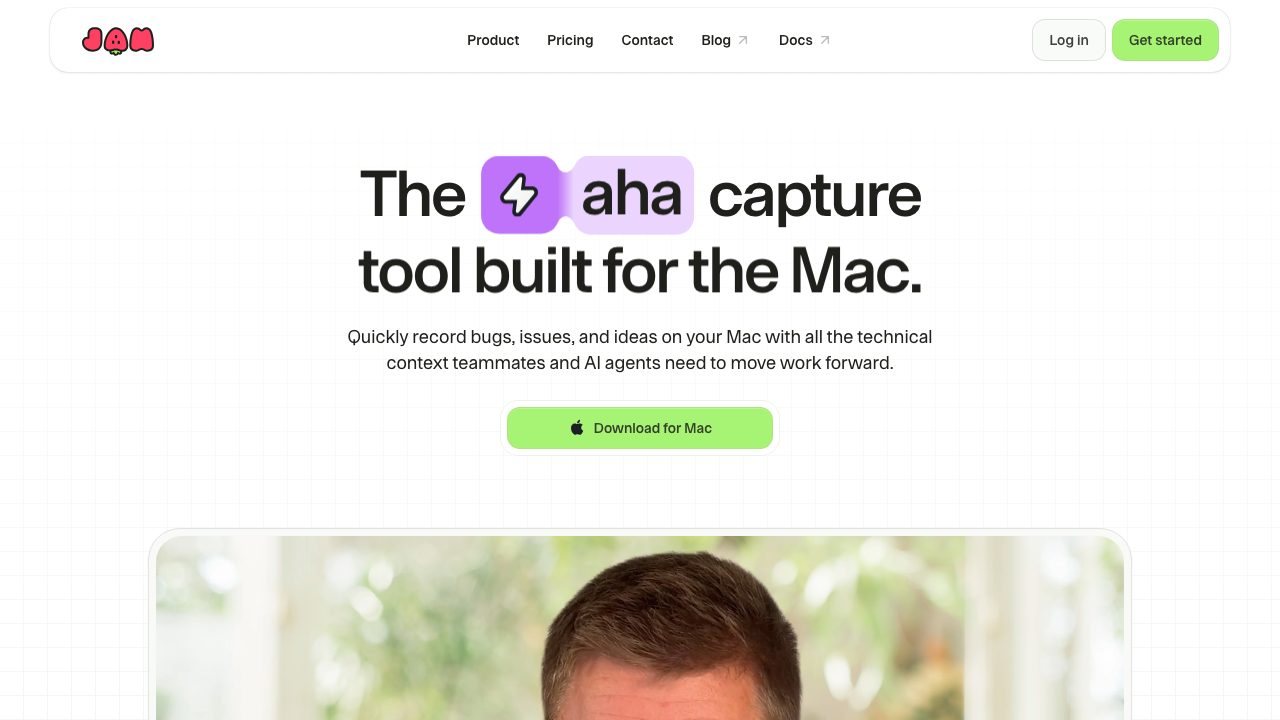
A Mac screen recorder that captures console logs, network requests, and device details with every bug report.
 Underrated
MacShot
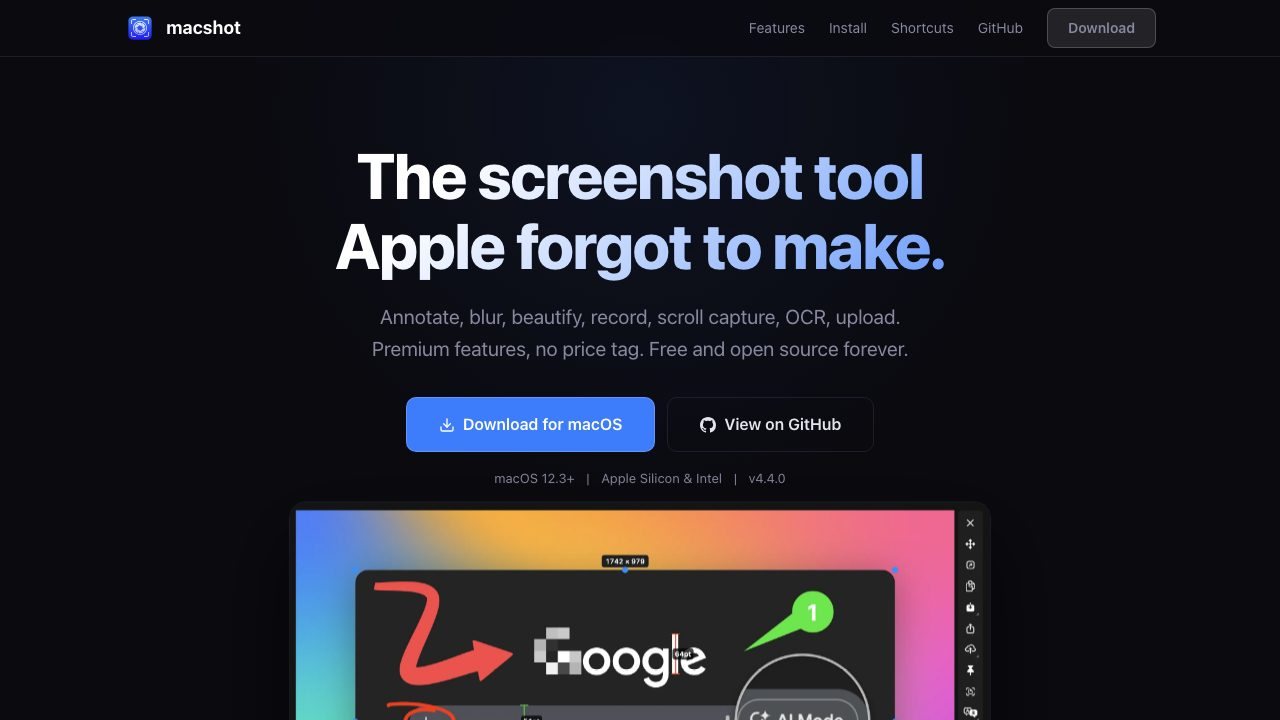
A native macOS screenshot and recording tool with 19+ annotations, OCR translation, scroll capture, and automatic PII redaction.