 SoftBests
OnlySwitchUnderrated
One menu bar switchboard for the Mac settings you toggle every day.
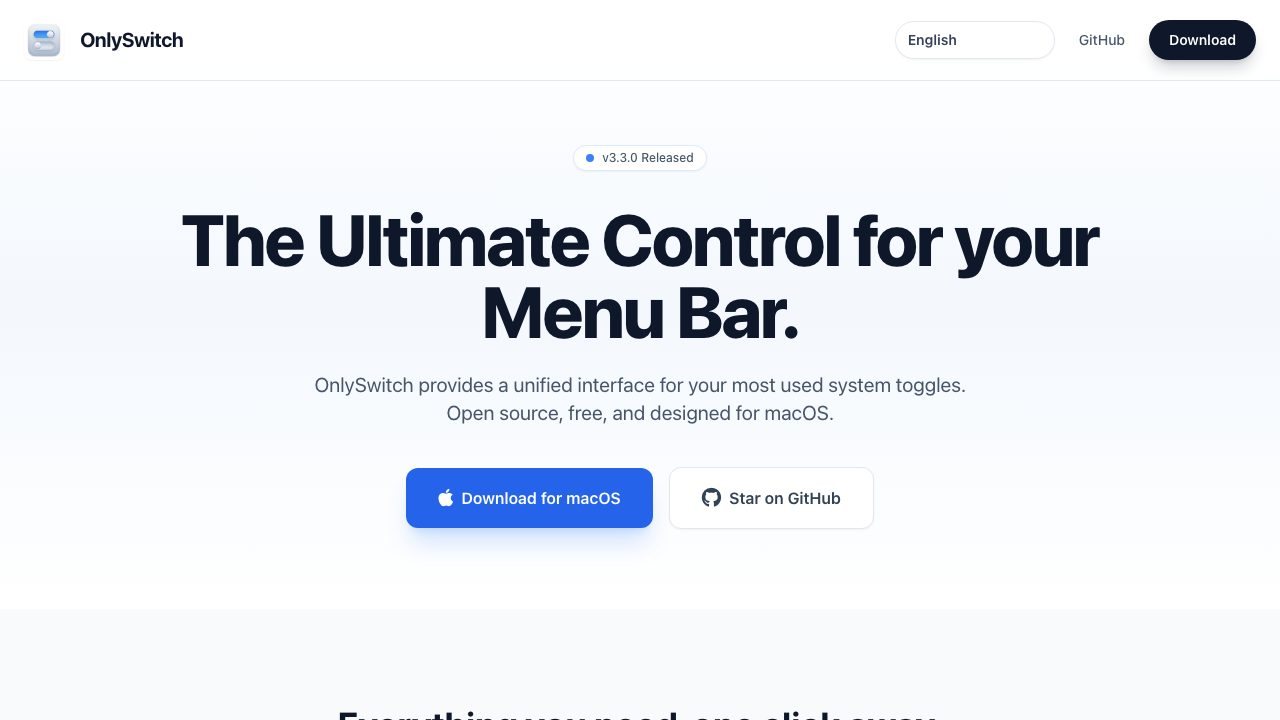
Best for
Mac users who keep opening System Settings to toggle dark mode, keep-awake, Bluetooth, or the desktop icons.
Why it deserves attention
OnlySwitch collects dozens of macOS toggles in one menu bar panel: dark mode, hide desktop icons, keep awake, screen saver, Bluetooth, Wi-Fi, Night Shift, low power mode, and more, with Shortcuts actions, widgets, a system monitor, and optional remote control. It is MIT-licensed with about 6,000 GitHub stars and is free. Some switches simply call the same system settings you could open manually, a few need accessibility or automation permissions, and the growing feature set makes the panel denser than a single-purpose utility. It is best for people who toggle the same handful of settings all day, not as a replacement for deep system control.
Ratings & reviews
0 ratings0 people rated this
No ratings yet. Be the first to rate this tool.
Can replace
- One Switch
- System Settings
Related and alternatives
More in Productivity
 Underrated
AeroSpace
A keyboard-driven tiling window manager for macOS with a config file and no mouse.
 Underrated
AltTab
Windows-style Alt-Tab on macOS, with live window thumbnails and configurable switching styles.
 Underrated
BetterDisplay
HiDPI scaling, brightness, and virtual displays for Macs and external monitors.