 SoftBests
DimbleUnderrated
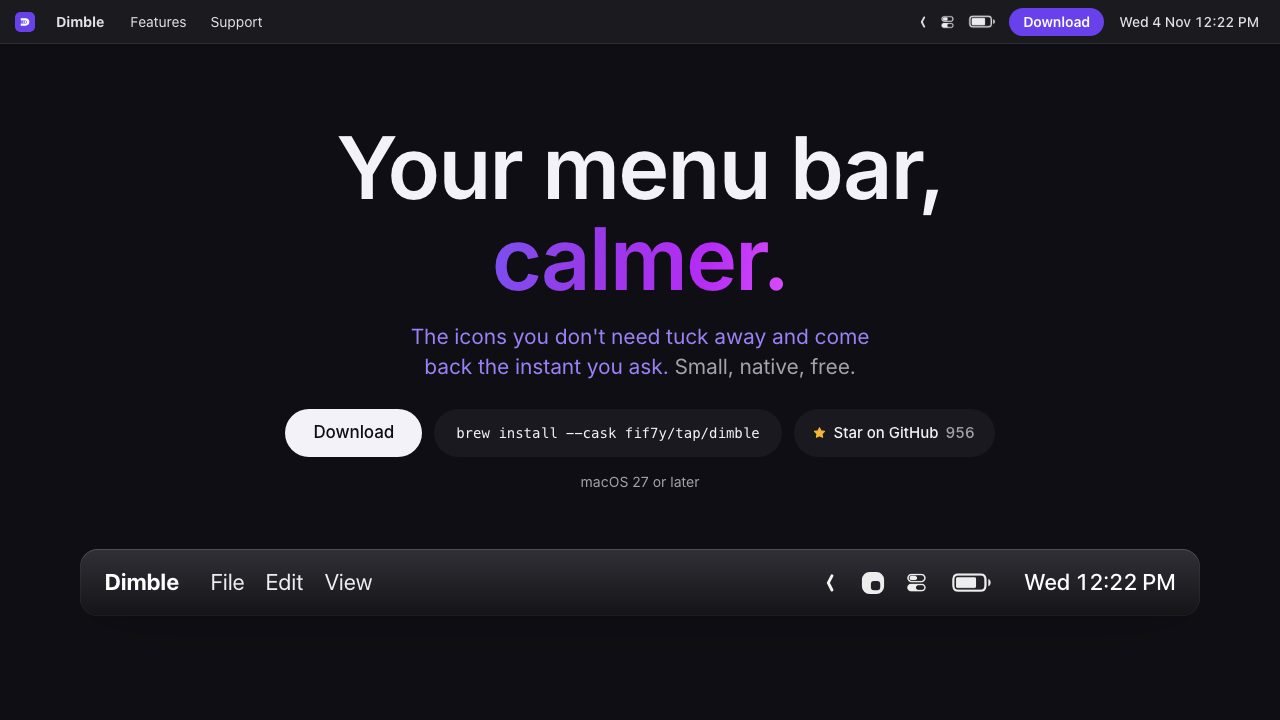
A calm, native menu bar that hides the icons you do not need until you ask.
Best for
Mac users on macOS 27 who want a tidier menu bar without a heavy utility or a subscription.
Why it deserves attention
Dimble splits menu bar icons into Visible, Hidden, and Always Hidden sections, then brings hidden icons back on hover, click, or a shortcut, or opens them in a searchable panel. A layout editor with real icon previews and drag-and-drop ordering applies the arrangement in one pass, and Command-drag lets you move icons directly in the bar. It can also give any app its own menu bar icon. Hiding is handled by macOS itself, the app is GPL-3.0 with about 1,000 GitHub stars, and it has no account or analytics. It requires macOS 27 or later and is still at 0.3.x, so expect occasional beta-channel fixes rather than a long-established tool.
Ratings & reviews
0 ratings0 people rated this
No ratings yet. Be the first to rate this tool.
Can replace
- Bartender
- Hidden Bar
Related and alternatives
More in Productivity
 Underrated
AeroSpace
A keyboard-driven tiling window manager for macOS with a config file and no mouse.
 Underrated
AltTab
Windows-style Alt-Tab on macOS, with live window thumbnails and configurable switching styles.
 Underrated
BetterDisplay
HiDPI scaling, brightness, and virtual displays for Macs and external monitors.