 SoftBests
Magnet
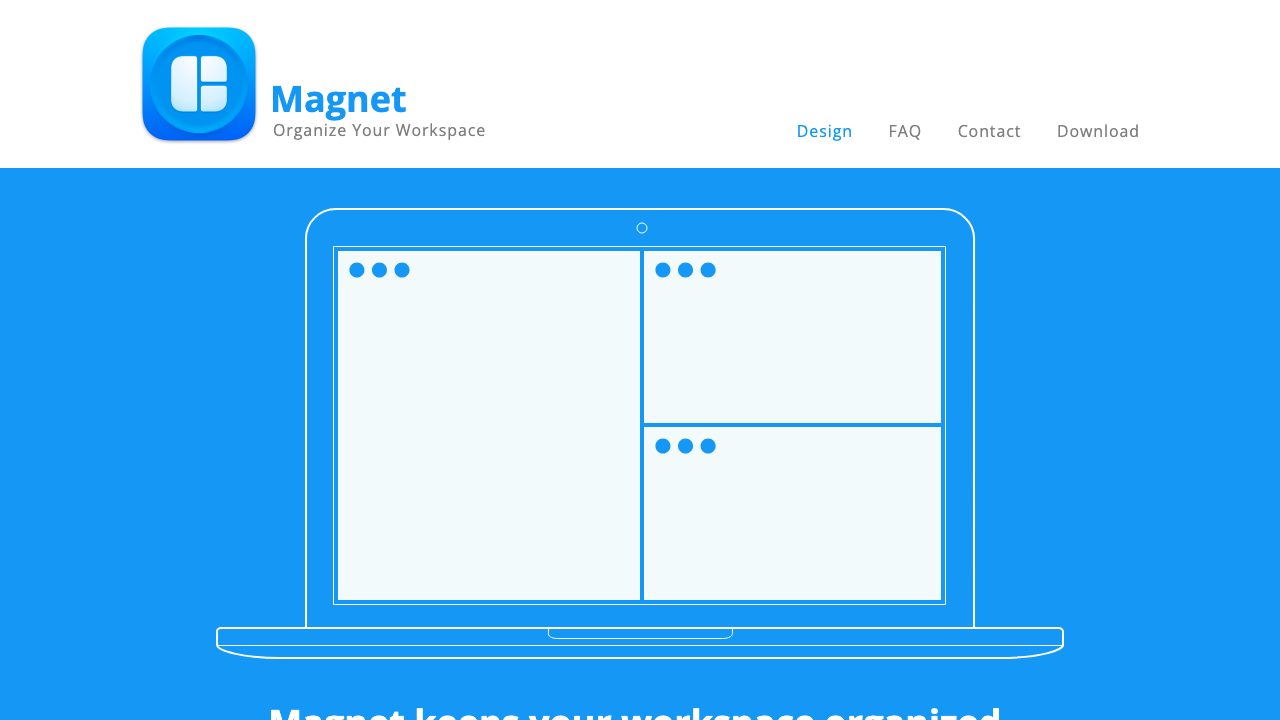
The menu bar utility that snaps Mac windows into halves, quarters and thirds with a shortcut.
Best for
Mac users who arrange windows constantly and do not want a full tiling window manager.
Why it deserves attention
Magnet sits in the menu bar and does one thing well: assign a shortcut to send the current window to the left or right half, any quarter, thirds, or the full screen, including across multiple displays. Dragging a window to an edge or corner triggers the same layouts, and the shortcuts can be customised. It is a one-time purchase on the Mac App Store, works with every app that uses standard windows, and needs no configuration beyond the shortcuts. The trade-offs: it does no automatic tiling, has no per-app rules, and the built-in macOS window management plus free tools such as Rectangle now cover most of the same ground.
Ratings & reviews
0 ratings0 people rated this
No ratings yet. Be the first to rate this tool.
Can replace
Related and alternatives
More in Productivity
 Underrated
AeroSpace
A keyboard-driven tiling window manager for macOS with a config file and no mouse.
 Underrated
AlDente
Set a charge limit on your MacBook and stop the battery from sitting at 100% all day.
 Underrated
AltTab
Windows-style Alt-Tab on macOS, with live window thumbnails and configurable switching styles.