 SoftBests
Keyboard Maestro
Macro automation for macOS: trigger almost anything from a keystroke, schedule, or app event.
Best for
Mac power users who repeat multi-step actions and want them to run reliably in the background.
Why it deserves attention
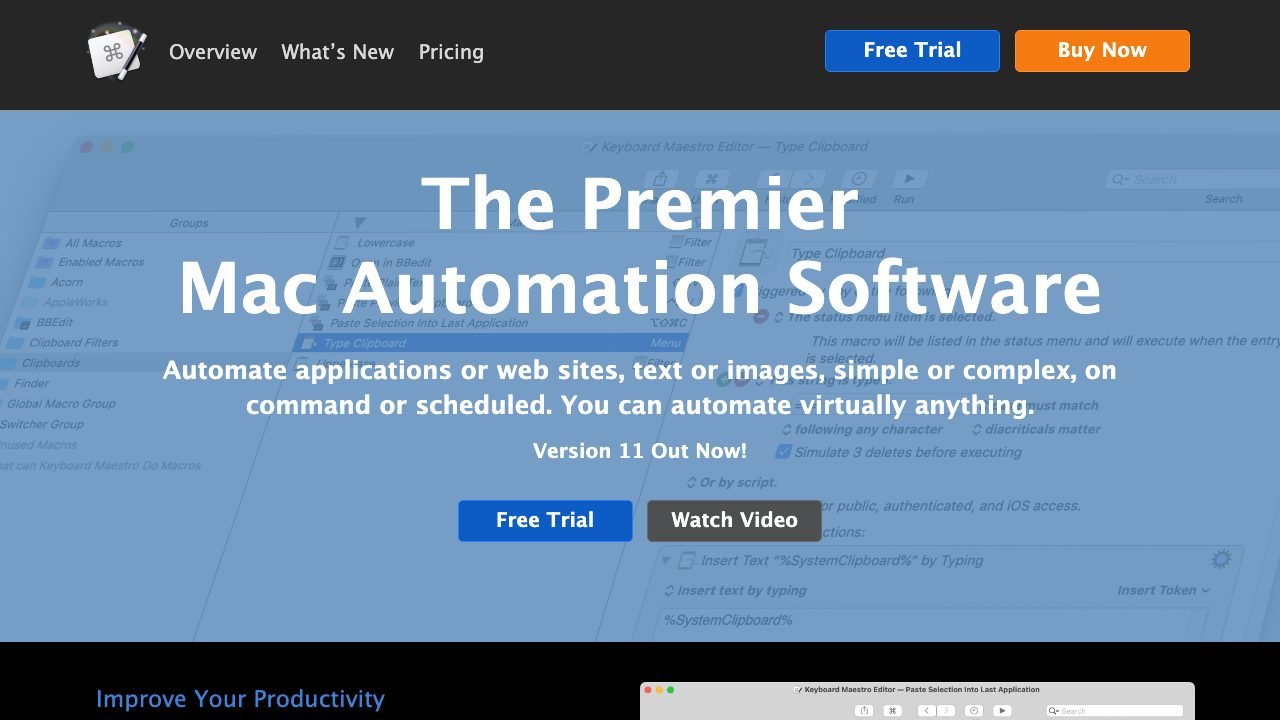
Keyboard Maestro can watch the clipboard, windows, apps, and screen, then run macros that type text, click, open URLs, move files, or call scripts. Triggers include hotkeys, typed strings, app launches, schedules, and hardware events, and macros can be organized into groups with conditions. It has been the reference Mac automation tool for years and costs $36 once with a free trial. Its power comes with a dense editor, so plan for a learning curve.
Ratings & reviews
0 ratings0 people rated this
No ratings yet. Be the first to rate this tool.
Can replace
- Automator
Related and alternatives
More in Productivity
 Underrated
AeroSpace
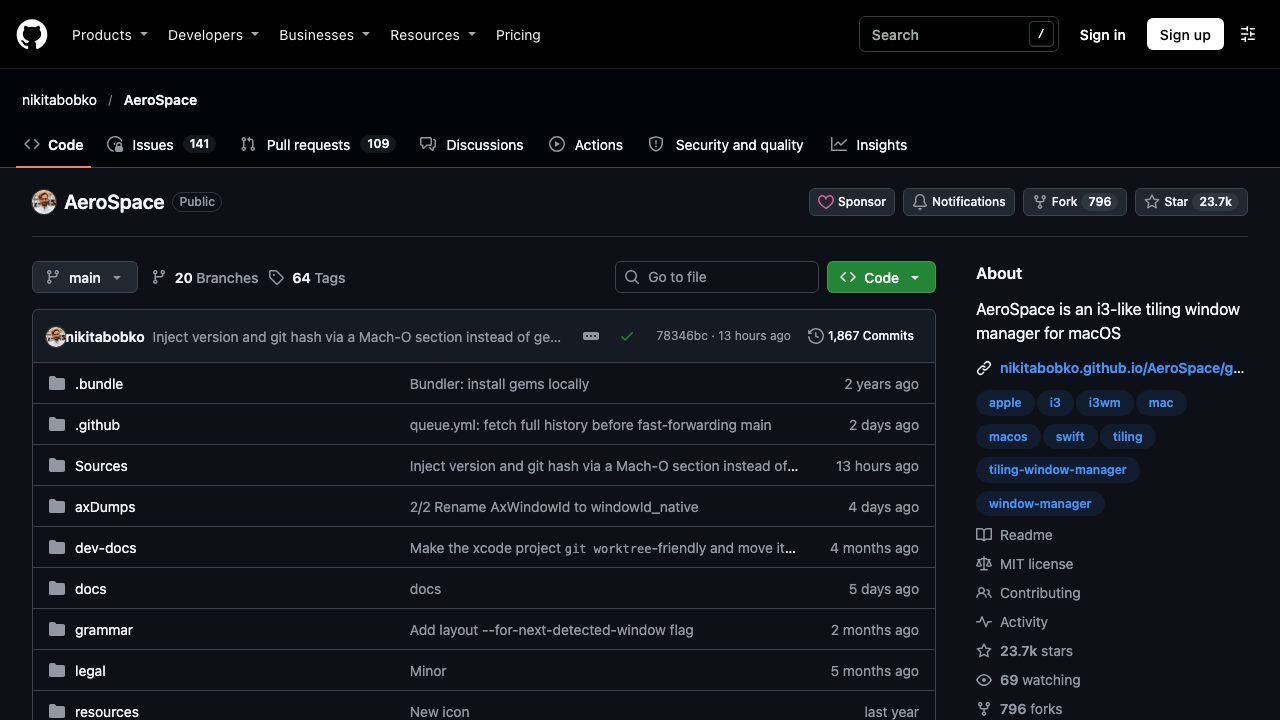
A keyboard-driven tiling window manager for macOS with a config file and no mouse.
 Underrated
BetterDisplay
HiDPI scaling, brightness, and virtual displays for Macs and external monitors.
 Underrated
DigUp
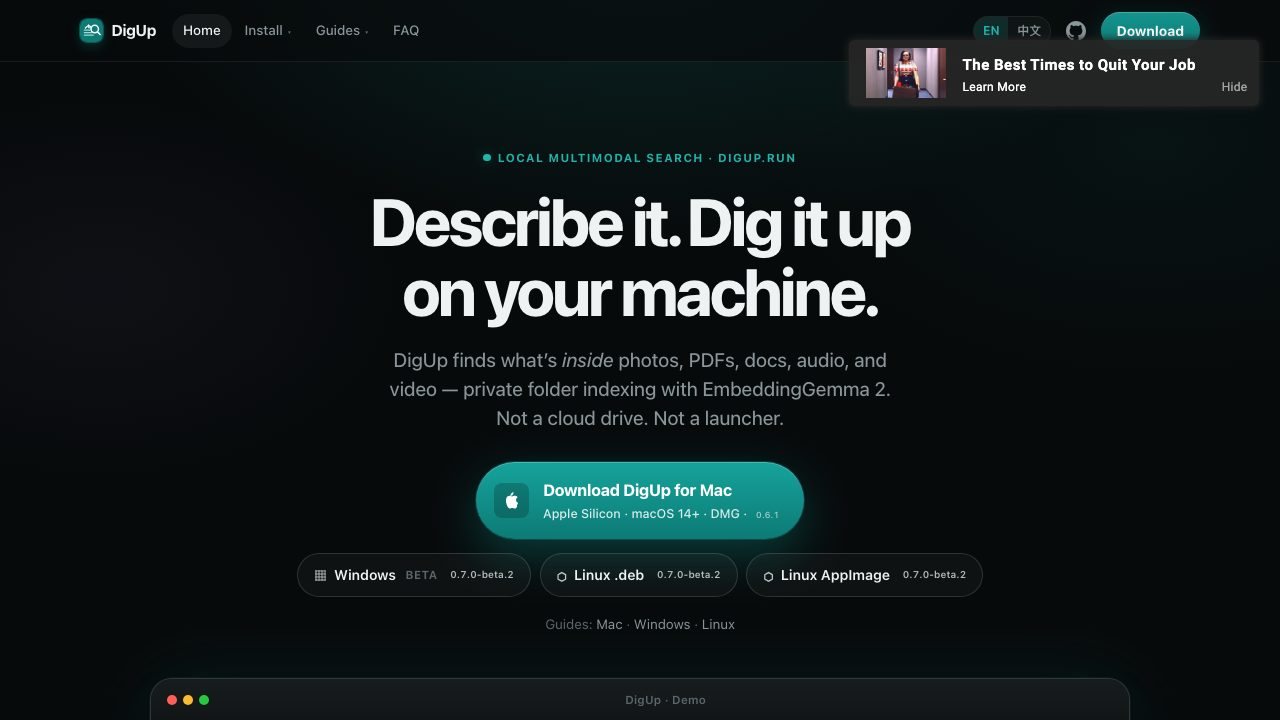
Local multimodal search that finds the moment inside photos, PDFs, audio, video, and code.