 SoftBests
EdgeBarUnderrated
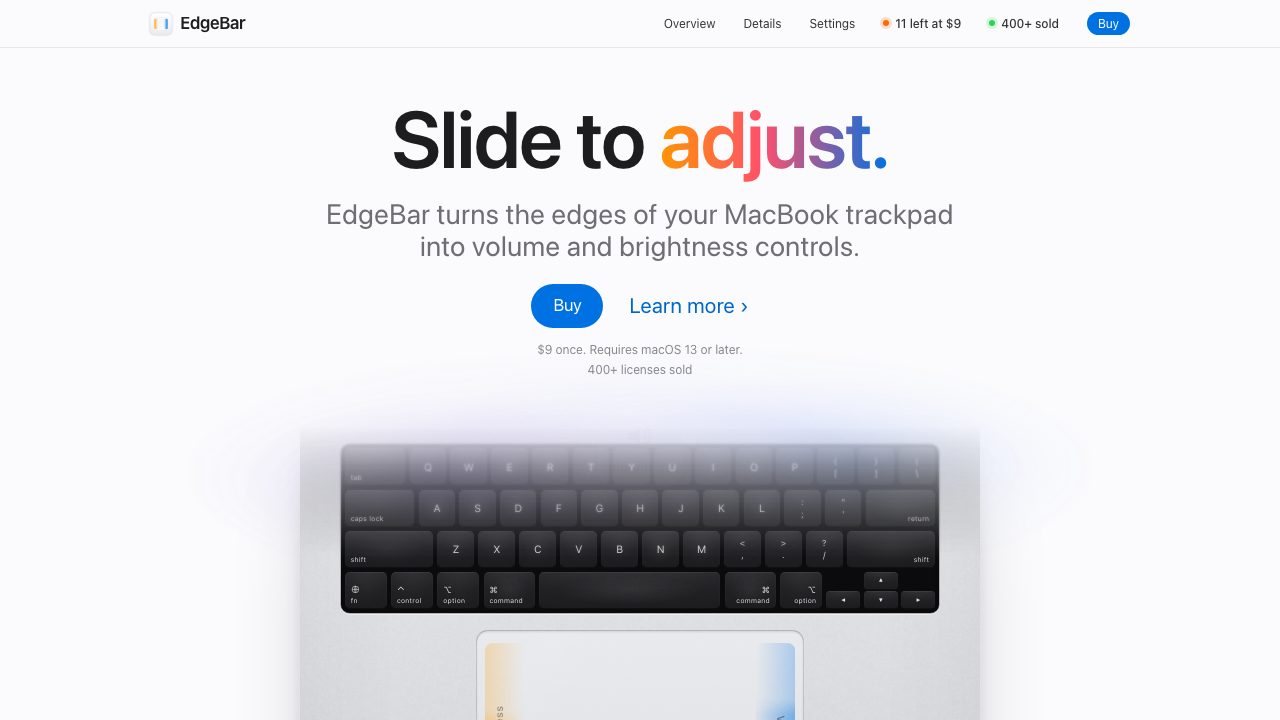
Turns the edges of a MacBook trackpad into volume, brightness, and media controls with haptic feedback.
Best for
MacBook users who want hardware-like controls without reaching for keys or menu bar apps.
Why it deserves attention
EdgeBar maps the right trackpad edge to volume and the left edge to brightness, using the same on-screen display as the keyboard keys, then adds haptic ticks, quarter-step fine control, quick mute, and a media strip along the bottom. The pointer can stay frozen while you slide, the app lives only in the menu bar, and it is a one-time $9 purchase for macOS 13 or later. It is a small indie app with strong early reviews, but it only works on the built-in MacBook trackpad, not an external mouse, and custom gestures can conflict with other trackpad utilities.
Ratings & reviews
0 ratings0 people rated this
No ratings yet. Be the first to rate this tool.
Can replace
- BetterTouchTool
Related and alternatives
More in Productivity
 Underrated
AeroSpace
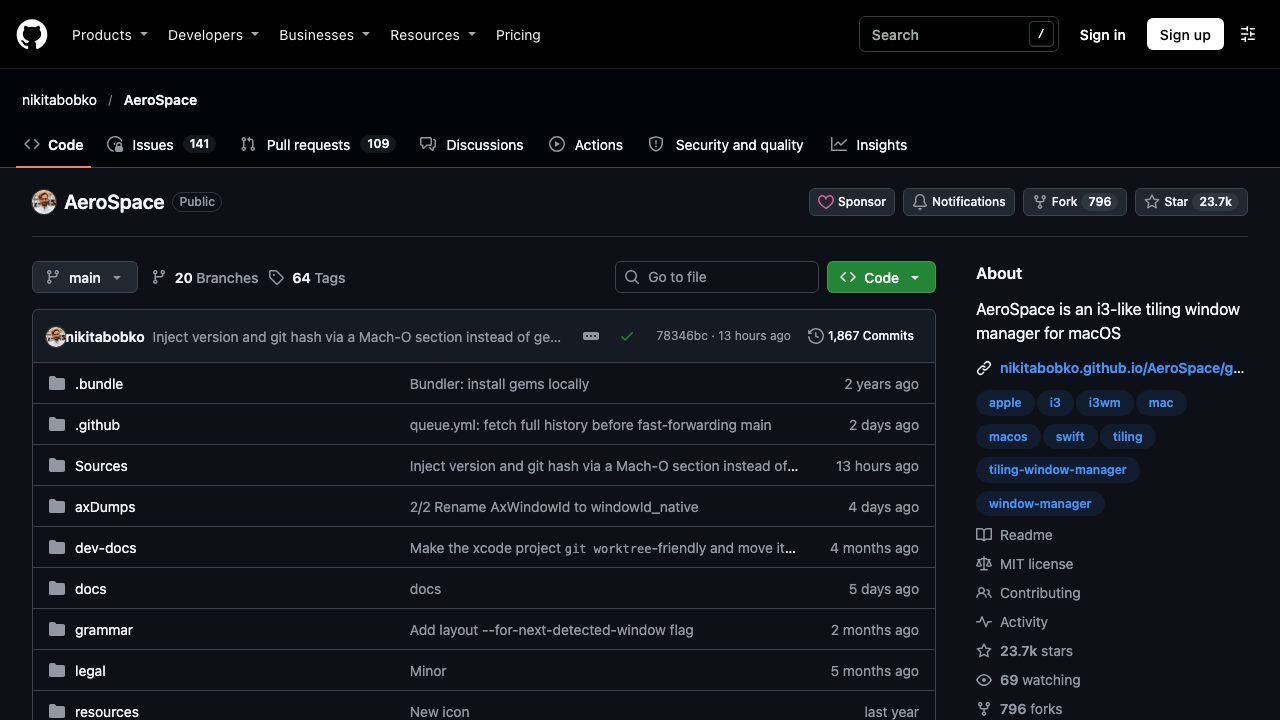
A keyboard-driven tiling window manager for macOS with a config file and no mouse.
 Underrated
BetterDisplay
HiDPI scaling, brightness, and virtual displays for Macs and external monitors.
 Underrated
DigUp
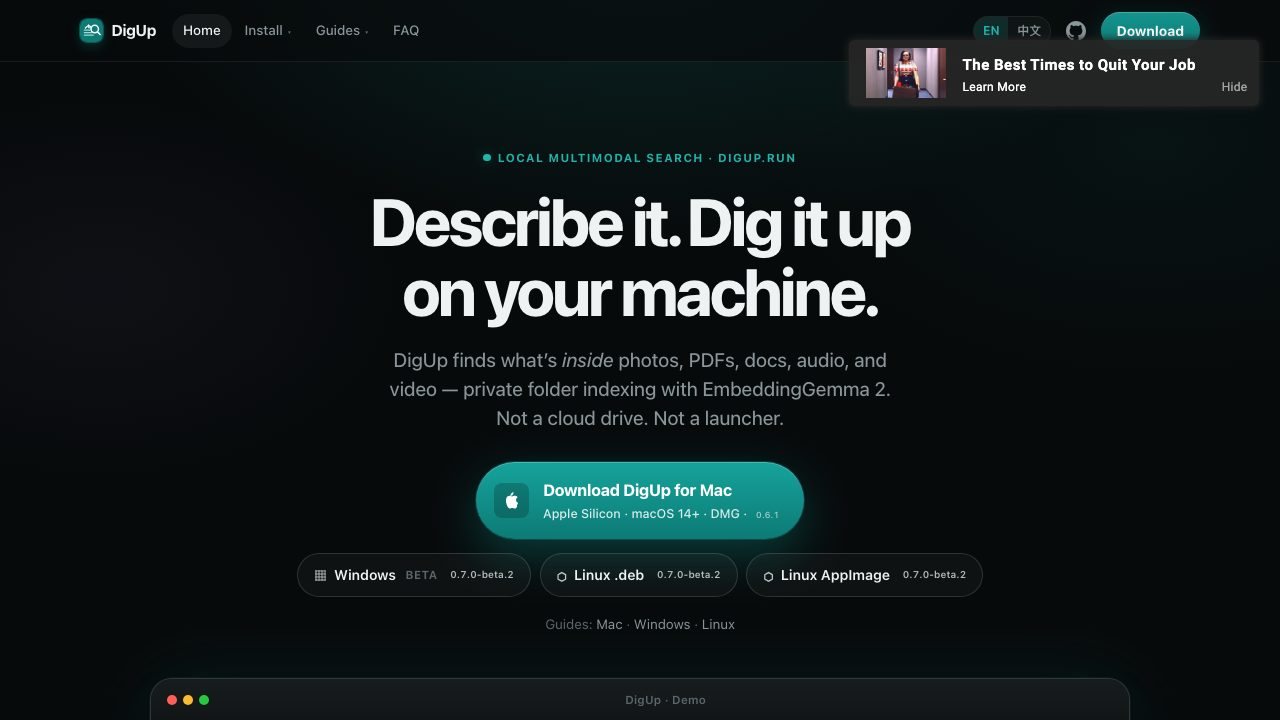
Local multimodal search that finds the moment inside photos, PDFs, audio, video, and code.