 SoftBests
Home / AI editors / VS Code
VS Code alternatives
Compare 13 editor-reviewed alternatives to VS Code by price, platform, and the workflow each one fits.
Start with these
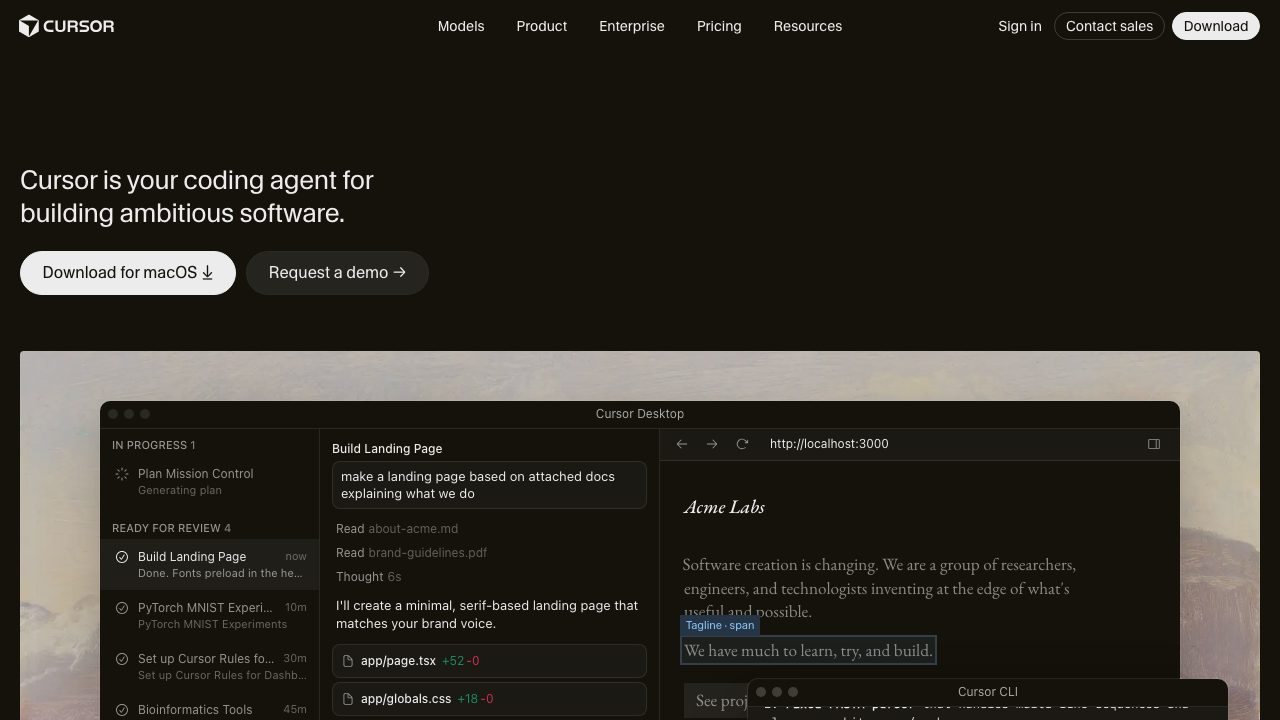
Cursor
A VS Code fork with codebase-aware autocomplete, an agent mode, and multi-file edits.
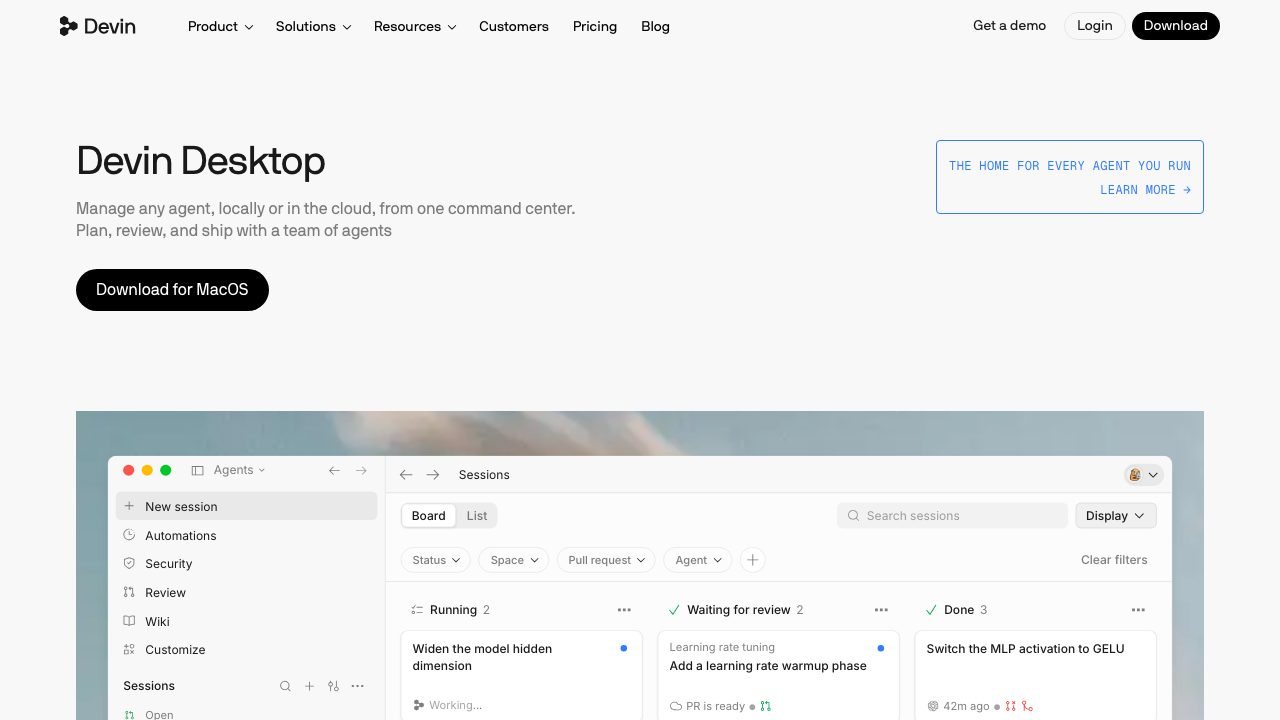
Windsurf
An AI IDE organized around Cascade, a multi-step agent that plans and executes changes.
 Underrated
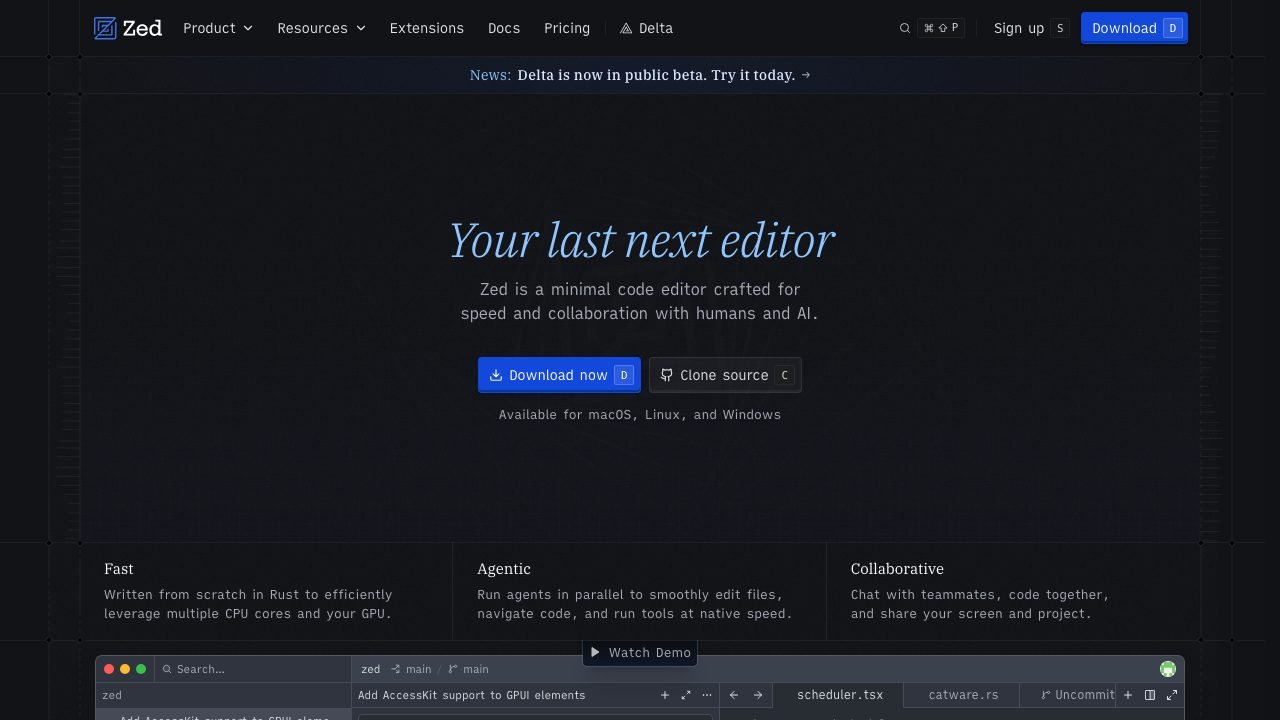
Zed
A GPU-accelerated, Rust-built editor with multiplayer editing and a built-in agent panel.
All alternatives
| Tool | Best for | Platforms | Pricing | |
|---|---|---|---|---|
| Cursor | Developers who want agentic edits without leaving a familiar editor. | macOS, Linux, Windows | Freemium | ↗ |
| Windsurf | Developers who prefer guided, multi-file agent workflows. | macOS, Linux, Windows | Freemium | ↗ |
| Zed | Developers who want speed and low latency on large projects. | macOS, Linux | Freemium | ↗ |
| Neovim | Developers who prefer keyboard-only editing and deep customization. | macOS, Linux, Windows | Free | ↗ |
| JetBrains IDEs | Teams working in Java, Kotlin, or large statically typed codebases. | macOS, Linux, Windows | Freemium | ↗ |
| Trae | Developers curious about AI IDEs who want a low-friction switch. | macOS, Windows | Freemium | ↗ |
| Void | Developers who want AI editing without a proprietary IDE. | macOS, Linux, Windows | Open source | ↗ |
| CodeEdit | Mac developers who want a lightweight native editor for projects that are not tied to Xcode. | macOS | Open source | ↗ |
| Sublime Text | Developers who open huge files and repos daily and want an editor that never stutters. | macOS, Windows, Linux | Paid | ↗ |
| Google Antigravity | Developers who want to supervise several agents at once and review their artifacts instead of babysitting one chat pane. | macOS, Windows, Linux | Freemium | ↗ |
| Kiro | Teams that want spec-driven agent work with reviewable plans instead of one-shot prompt edits. | macOS, Windows, Linux | Freemium | ↗ |
| Wu | Developers who want a lightweight native editor with coding agents and no account or telemetry. | macOS, Windows, Linux | Open source | ↗ |
| OpenIDEA | Developers who like IntelliJ's keymap and tool windows but want faster startup and far less memory. | macOS, Windows, Linux | Open source | ↗ |
How to choose
- Start with the platform you actually use. A native Mac editor and a browser IDE solve different problems.
- Match the workflow, not the feature list. If agents write most of your code, pick the tool whose agent loop you can supervise.
- Check the real price after the trial. One-time licenses and subscription tiers age very differently.
When staying with VS Code makes sense
If your main need is Anyone who wants the widest extension and language support., switching may cost more than it saves. Keep the tool that already fits your extensions, shortcuts, and team setup.
Questions
What is the best alternative to VS Code?
Cursor is the closest fit for most people. It is followed by Windsurf and Zed in this comparison.
Are there free alternatives to VS Code?
Yes. Cursor, Windsurf, Zed, Neovim are free or have a usable free tier. Check the limits before you move a working project over.
How do I switch from VS Code?
Install the alternative, import your settings and keybindings, and run one real project before you commit. Keep VS Code installed until the new tool handles your daily workflow.