 SoftBests
Home / Browsers / Google Chrome
Google Chrome alternatives
Compare 11 editor-reviewed alternatives to Google Chrome by price, platform, and the workflow each one fits.
Start with these
 Underrated
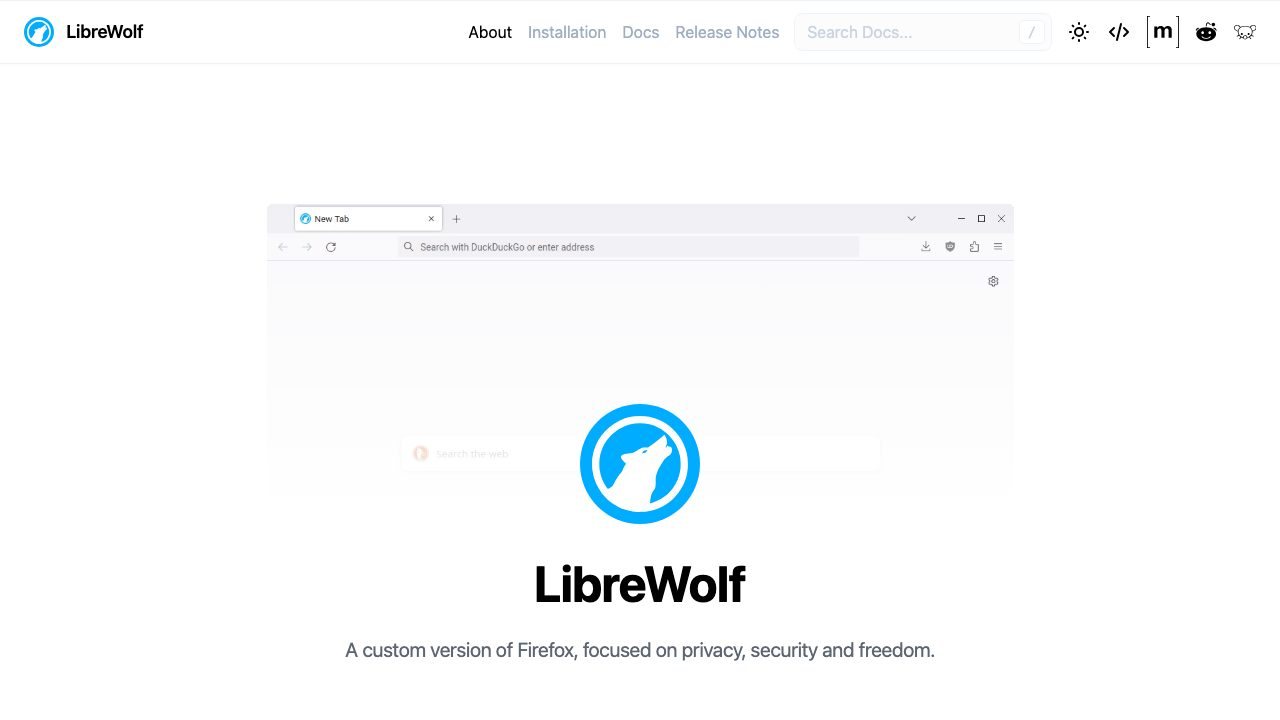
LibreWolf
A privacy-hardened Firefox build with telemetry removed and tracking protection on by default.
 Underrated
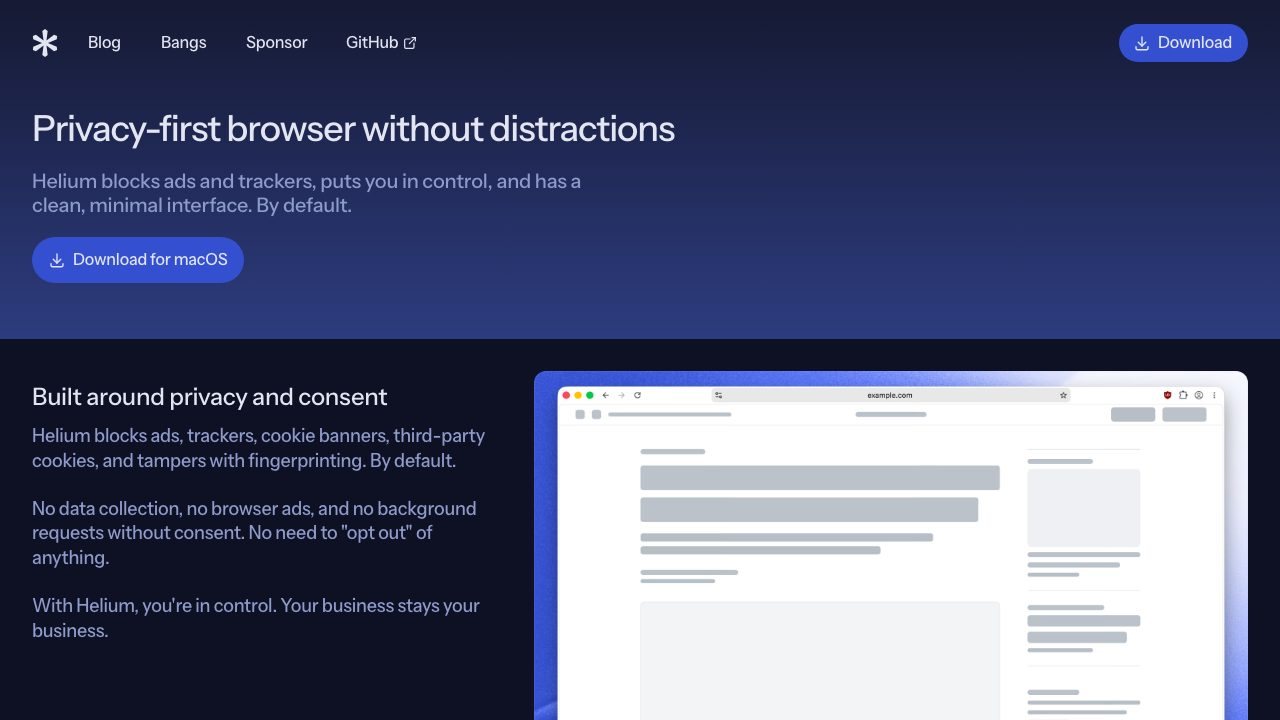
Helium
A privacy-first Chromium browser that blocks ads, trackers, and clutter by default.
 Underrated
SigmaOS
A keyboard-first Mac browser organized around workspaces and split views.
All alternatives
| Tool | Best for | Platforms | Pricing | |
|---|---|---|---|---|
| LibreWolf | Firefox users who want stronger defaults without assembling about:config tweaks. | macOS, Windows, Linux | Open source | ↗ |
| Helium | Mac users who want Chrome compatibility and extensions without Google's data collection or interface bloat. | macOS | Open source | ↗ |
| SigmaOS | Mac users who treat browsing as task management and want to work without a mouse. | macOS | Freemium | ↗ |
| Vivaldi | Power users who want tab stacks, tiling, and built-in mail and calendar. | macOS, Linux, Windows, Android | Free | ↗ |
| Zen | Firefox users who want an Arc-like workspace model without Chromium. | macOS, Linux, Windows | Open source | ↗ |
| Safari | Mac and iPhone users who care about battery life, privacy and smooth scrolling more than extensions. | macOS, iOS | Free | ↗ |
| Microsoft Edge | People with dozens of tabs who want Chromium compatibility plus memory-saving features and good PDF handling. | macOS, Windows, Linux, iOS, Android | Free | ↗ |
| Dia | Knowledge workers who spend the day across tabs, Slack, and docs and want the browser to summarize them. | macOS, Windows | Free | ↗ |
| Arc | People who juggle several contexts and want the browser to separate them visually. | macOS, Windows, iOS | Free | ↗ |
| Brave | People who want Chrome compatibility without handing every page to Google. | macOS, Linux, Windows, iOS, Android | Open source | ↗ |
| Firefox | People who want a non-Chromium browser and care about an open web. | macOS, Linux, Windows, iOS, Android | Open source | ↗ |
How to choose
- Start with the platform you actually use. A native Mac editor and a browser IDE solve different problems.
- Match the workflow, not the feature list. If agents write most of your code, pick the tool whose agent loop you can supervise.
- Check the real price after the trial. One-time licenses and subscription tiers age very differently.
When staying with Google Chrome makes sense
If your main need is Anyone who needs every web app and extension to work without surprises., switching may cost more than it saves. Keep the tool that already fits your extensions, shortcuts, and team setup.
Questions
What is the best alternative to Google Chrome?
LibreWolf is the closest fit for most people. It is followed by Helium and SigmaOS in this comparison.
Are there free alternatives to Google Chrome?
Yes. LibreWolf, Helium, SigmaOS, Vivaldi are free or have a usable free tier. Check the limits before you move a working project over.
How do I switch from Google Chrome?
Install the alternative, import your settings and keybindings, and run one real project before you commit. Keep Google Chrome installed until the new tool handles your daily workflow.