 SoftBests
Home / Screenshots & recording
ShotomaticUnderrated
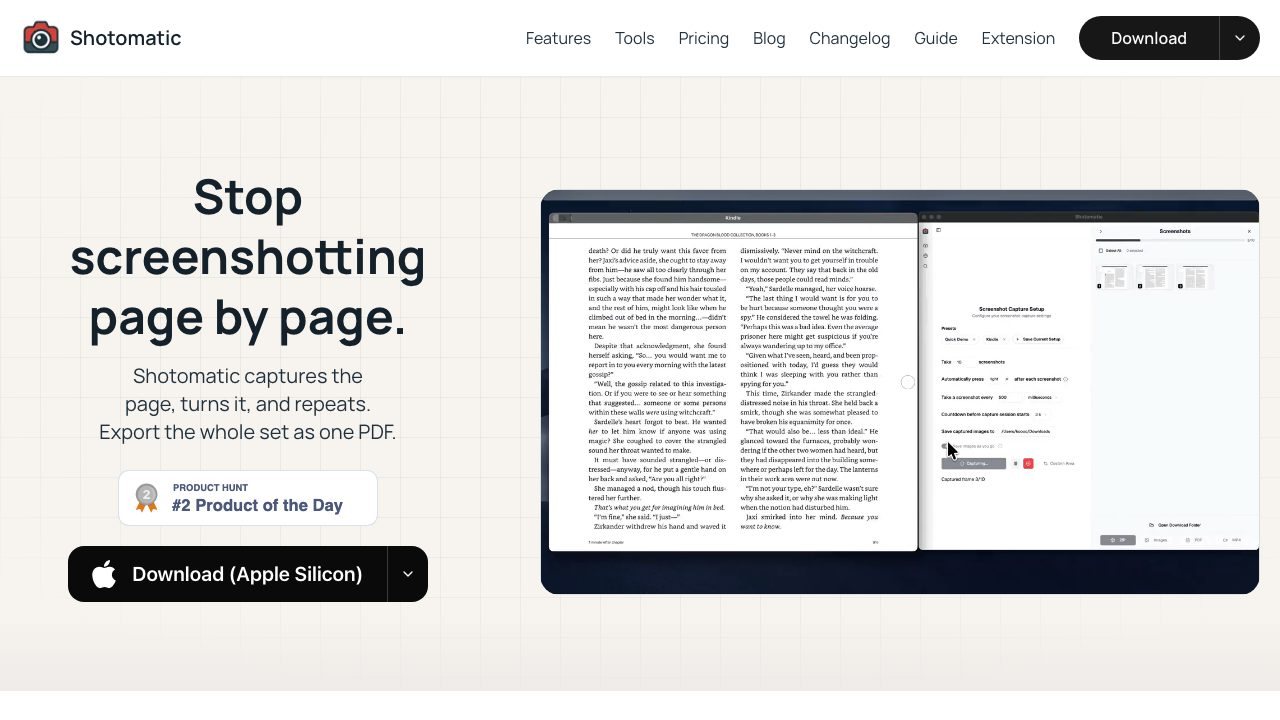
Automate repeated screenshots and keypresses on a Mac, then export images, PDFs, ZIPs, or a timelapse.
Best for
People documenting multi-step workflows, testing apps, or capturing long-running processes without sitting there.
Why it deserves attention
Shotomatic records a sequence of screenshots and keypresses, repeats it on a schedule or a set number of times, and exports the result as JPG, PNG, PDF, ZIP, or timelapse video. It is useful for bug reports, documentation, QA evidence, and monitoring a long process, and it does not upload captures to a cloud service. A one-time licence covers one Mac, with an option for three. The trade-off is macOS only, and the automation is deliberately limited to screenshots and keypresses rather than general app scripting.
Ratings & reviews
0 ratings0 people rated this
No ratings yet. Be the first to rate this tool.
Can replace
Related and alternatives
More in Screenshots & recording
 Underrated
Cap
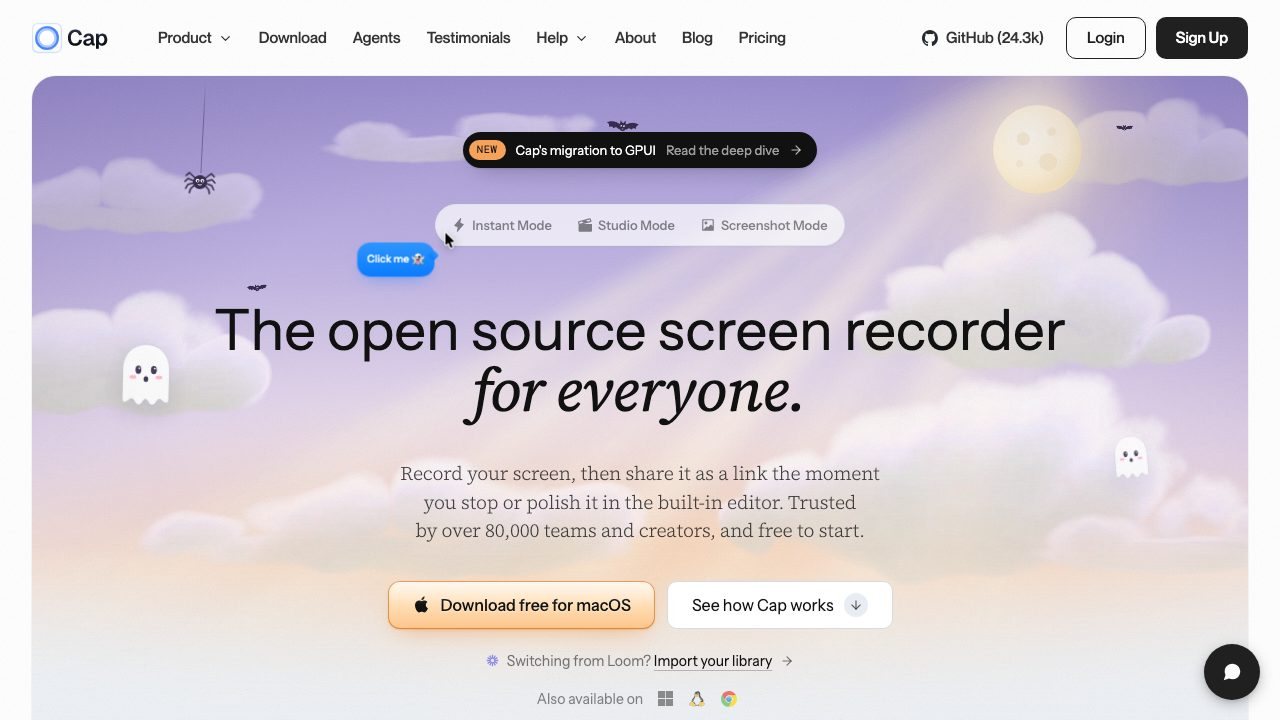
An open-source screen recorder with instant link sharing and a built-in editor.
 Underrated
FaceCam
A floating camera bubble that puts your face into any screen recording or call.
 Underrated
Jam
A Mac screen recorder that captures console logs, network requests, and device details with every bug report.