 SoftBests
Home / Screenshots & recording / Loom
Loom alternatives
Compare 4 editor-reviewed alternatives to Loom by price, platform, and the workflow each one fits.
Start with these
 Underrated
FaceCam
A floating camera bubble that puts your face into any screen recording or call.
 Underrated
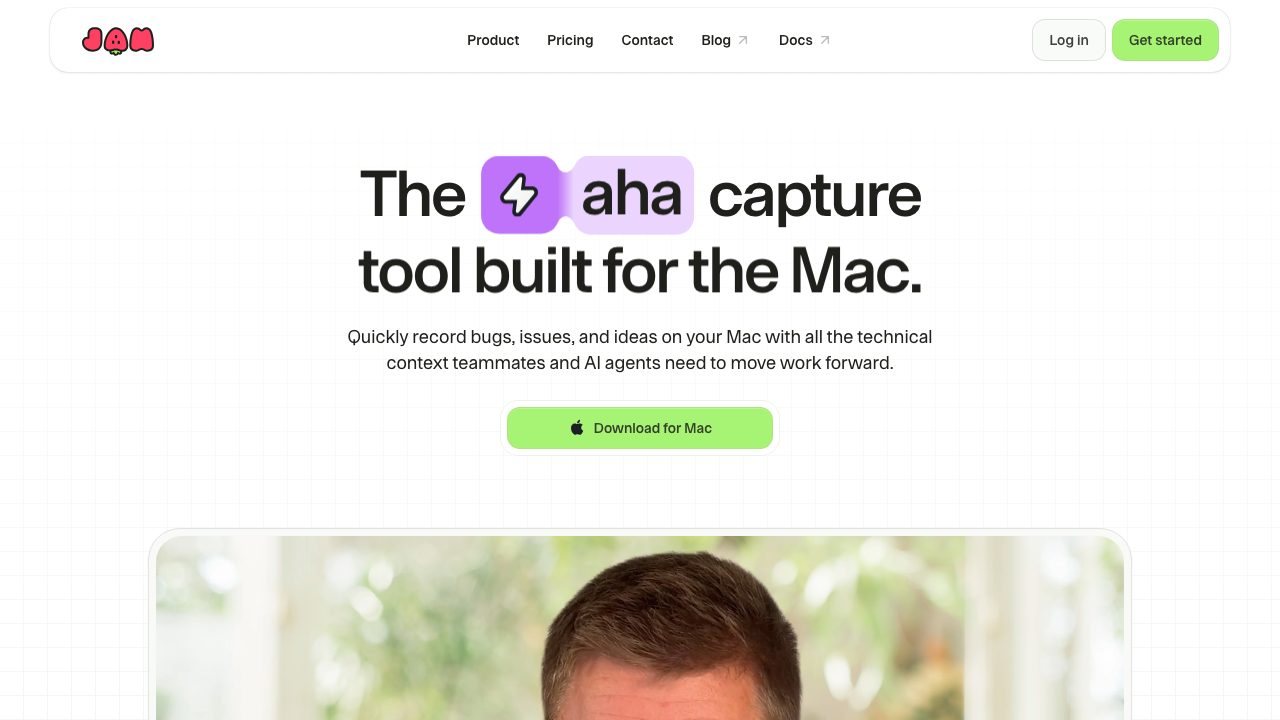
Jam
A Mac screen recorder that captures console logs, network requests, and device details with every bug report.
 Underrated
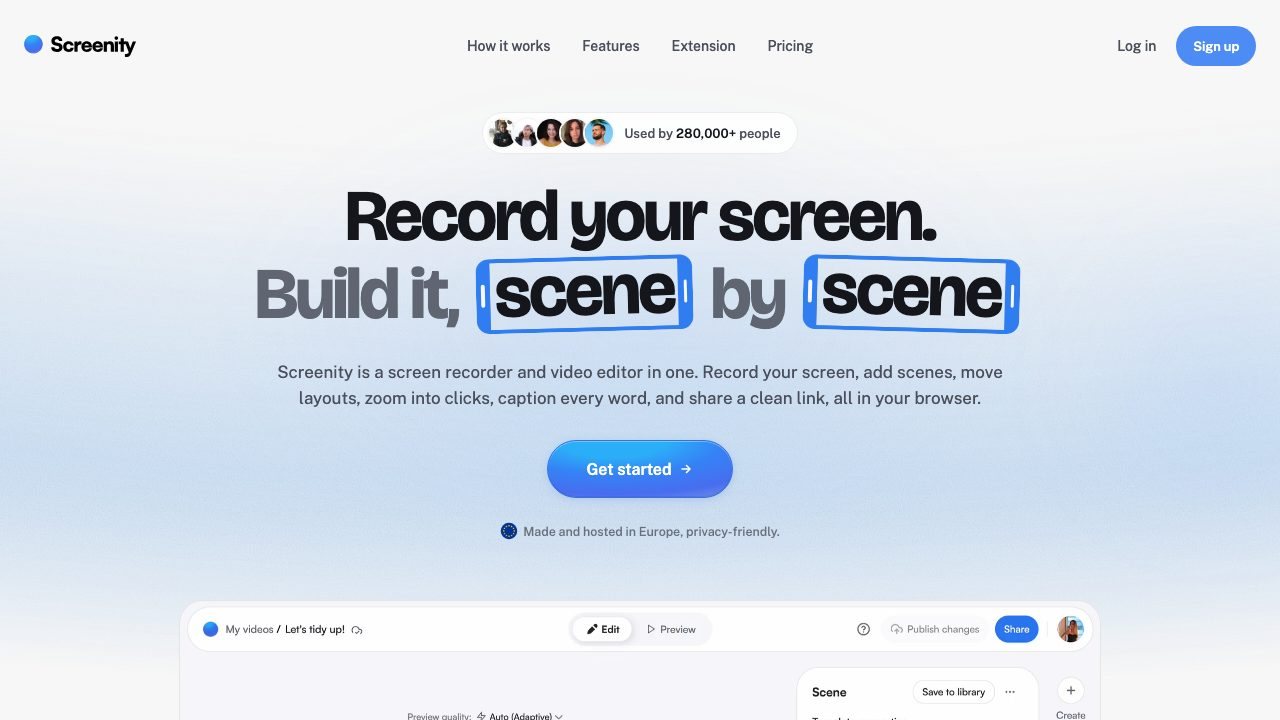
Screenity
A privacy-friendly screen recorder and editor that runs in the browser.
All alternatives
| Tool | Best for | Platforms | Pricing | |
|---|---|---|---|---|
| FaceCam | People recording demos, courses, or calls who want a face overlay without switching to a heavier recorder. | macOS | Paid | ↗ |
| Jam | Product and engineering teams who want bug reports their AI agents and developers can act on immediately. | macOS, Web | Freemium | ↗ |
| Screenity | People who record tabs, demos, or feedback and want a free tool with no watermark or upload requirement. | Web | Freemium | ↗ |
| Cap | Teams that want Loom-style async video without per-seat subscription lock-in. | macOS, Windows, Linux | Freemium | ↗ |
How to choose
- Start with the platform you actually use. A native Mac editor and a browser IDE solve different problems.
- Match the workflow, not the feature list. If agents write most of your code, pick the tool whose agent loop you can supervise.
- Check the real price after the trial. One-time licenses and subscription tiers age very differently.
When staying with Loom makes sense
If your main need is Distributed teams replacing long meetings with clips., switching may cost more than it saves. Keep the tool that already fits your extensions, shortcuts, and team setup.
Questions
What is the best alternative to Loom?
FaceCam is the closest fit for most people. It is followed by Jam and Screenity in this comparison.
Are there free alternatives to Loom?
Yes. Jam, Screenity, Cap are free or have a usable free tier. Check the limits before you move a working project over.
How do I switch from Loom?
Install the alternative, import your settings and keybindings, and run one real project before you commit. Keep Loom installed until the new tool handles your daily workflow.